
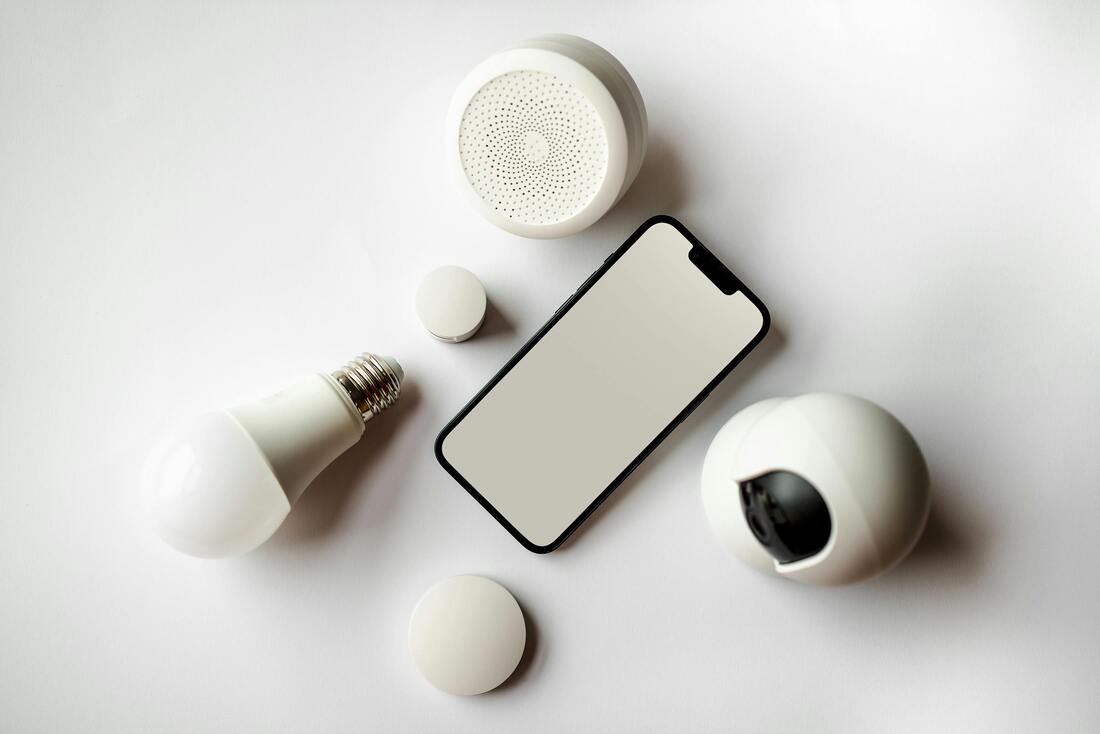

A smart bulb is just an LED light bulb that links to your network — usually Wi-Fi, Bluetooth, or Zigbee. The cool thing is you can boss it around from your phone using an app, your voice, or set it up with a smart home system.
Smart bulbs fit right into the smart home idea, making your lights easy to control, adjustable, and better on energy.
⚙️ How They Do That?
Smart bulbs mix LED lights with little wireless gizmos and tiny computers.
What's inside:
Component | What it Does
------- | --------
LED lights | Gives you light without eating up power.
Driver thingy | Keeps the power going to the LEDs smooth.
Tiny computer | Takes your orders to turn on, off, or change colors.
Wireless part | Connects to your Wi-Fi, Zigbee, or Bluetooth.
Software | Runs the show, like turning on at certain times.
When you tell it to turn on or change color, that order zips through your network—or straight from your phone — to the bulb's brain, which makes it happen.
📡 Connection Types
Smart bulbs hook up in a few ways.
Connection | How it Works | Good | Not So Good
------- | -------- | -------- | --------
Wi-Fi | Straight to your home's router | No extra gadget needed; quick | Can slow your Wi-Fi down a bit; uses a bit more power
Bluetooth | Phone talks to the bulb directly | No internet needed | Can't reach far; simple automation
Zigbee / Z-Wave | Needs a central hub | Super reliable; saves power | Gotta buy a hub
Thread / Matter | New, works with everyone's stuff | Should work across brands | Still pretty new
💡 What They Can Do
Remote Control: Turn the lights on/off or dim them from anywhere with your phone.
Scheduling: Set lights to turn on/off at certain times or at sunset.
Dimming: Adjust the brightness without a special wall switch.
Color: Pick from tons of colors or shades of white.
Scenes: Have the lights change when something else happens, like turning on when you get home.
Voice: Tell Alexa, Google, or Siri what to do.
Music/Motion: Some can dance to music or turn on when you walk in the room.
Power Watch: Some show how much power they're using.
🔌 Plug and Play
Screw it in like any other bulb.
Turn it on.
Get the app (either the bulb's own app or a general smart home app).
Connect to your Wi-Fi/Bluetooth/hub like the instructions say.
Give it a name (like Kitchen Light).
Set up any schedules or voice commands if you want.
Quick Tip: Use the 2.4 GHz Wi-Fi (not the 5 GHz one) — a lot of bulbs don't like the 5 GHz.
🔒 Security
Smart bulbs are online, so think about security.
Top tips:
Change the default password (if it has one).
Keep the bulb's software updated.
Use WPA3 Wi-Fi.
Don't let the bulb talk directly to the internet (use a separate network for smart devices).
Check what permissions the app wants and read its privacy rules.
🧩 Playing Well Together
Smart bulbs fit into the bigger smart home picture:
System | Works With | Example of Control
------- | -------- | --------
Alexa | Wi-Fi, Zigbee, Matter bulbs | “Alexa, make the bedroom lights dimmer.”
Google | Wi-Fi, Bluetooth, Matter | “Hey Google, make the lights warm white.”
Apple HomeKit | Thread, Matter, some Wi-Fi | “Hey Siri, off with the living room lights.”
SmartThings, Home Assistant | Zigbee, Z-Wave, Matter | For people who like to automate everything
⚡ Power Stuff
Power: They use 5–15 watts (like an old 40–100 watt bulb).
Brightness: About 450–1600 lumens.
Color: From very warm to very cool white (2000–6500 K).
Color quality: Usually pretty good (80–90 CRI).
How long they last: 15,000–25,000 hours.
LED smart bulbs save a lot of power compared to old-school bulbs, but they still sip a little when off to stay connected.
🧰 Fixing Problems
Problem | What Might Be Up | What to Do
------- | -------- | --------
Won't connect | On the wrong Wi-Fi | Use the 2.4 GHz Wi-Fi
Not doing anything | Might need a kick | Turn it off and on again quickly a few times
Flickering | Not getting along with the dimmer | Use a normal switch
App can't find it | Wi-Fi glitch | Try restarting the router or the bulb
Slow to respond | Weak Wi-Fi | Move the router closer
🧠 Cool Automation Ideas
Wake-up Routine: Lights get brighter slowly like the sun rising.
Vacation Mode: Turn on/off randomly to look like someone's home.
Motion Light: Turns on when you walk by.
Geo-fencing: Lights come on when you pull into the driveway.
Movie Time: Dims the lights when the TV turns on.
🛠️ Keeping Them Happy
Wipe them down with a dry cloth now and then.
Don't use them in closed-up light fixtures unless they're made for it.
Update the software once in a while using the app.
If you move it to a new Wi-Fi network, reset the bulb first.
🔮 What's Next?
Matter and Thread: Bulbs that work with everything.
Adaptive Lighting: Lights that change with the time of day.
Power Tracking: Showing you how much energy you're using.
No-Touch Control: Lights that turn on with a wave or just by sensing you're there.
Smart bulbs fit right into the smart home idea, making your lights easy to control, adjustable, and better on energy.
⚙️ How They Do That?
Smart bulbs mix LED lights with little wireless gizmos and tiny computers.
What's inside:
Component | What it Does
------- | --------
LED lights | Gives you light without eating up power.
Driver thingy | Keeps the power going to the LEDs smooth.
Tiny computer | Takes your orders to turn on, off, or change colors.
Wireless part | Connects to your Wi-Fi, Zigbee, or Bluetooth.
Software | Runs the show, like turning on at certain times.
When you tell it to turn on or change color, that order zips through your network—or straight from your phone — to the bulb's brain, which makes it happen.
📡 Connection Types
Smart bulbs hook up in a few ways.
Connection | How it Works | Good | Not So Good
------- | -------- | -------- | --------
Wi-Fi | Straight to your home's router | No extra gadget needed; quick | Can slow your Wi-Fi down a bit; uses a bit more power
Bluetooth | Phone talks to the bulb directly | No internet needed | Can't reach far; simple automation
Zigbee / Z-Wave | Needs a central hub | Super reliable; saves power | Gotta buy a hub
Thread / Matter | New, works with everyone's stuff | Should work across brands | Still pretty new
💡 What They Can Do
Remote Control: Turn the lights on/off or dim them from anywhere with your phone.
Scheduling: Set lights to turn on/off at certain times or at sunset.
Dimming: Adjust the brightness without a special wall switch.
Color: Pick from tons of colors or shades of white.
Scenes: Have the lights change when something else happens, like turning on when you get home.
Voice: Tell Alexa, Google, or Siri what to do.
Music/Motion: Some can dance to music or turn on when you walk in the room.
Power Watch: Some show how much power they're using.
🔌 Plug and Play
Screw it in like any other bulb.
Turn it on.
Get the app (either the bulb's own app or a general smart home app).
Connect to your Wi-Fi/Bluetooth/hub like the instructions say.
Give it a name (like Kitchen Light).
Set up any schedules or voice commands if you want.
Quick Tip: Use the 2.4 GHz Wi-Fi (not the 5 GHz one) — a lot of bulbs don't like the 5 GHz.
🔒 Security
Smart bulbs are online, so think about security.
Top tips:
Change the default password (if it has one).
Keep the bulb's software updated.
Use WPA3 Wi-Fi.
Don't let the bulb talk directly to the internet (use a separate network for smart devices).
Check what permissions the app wants and read its privacy rules.
🧩 Playing Well Together
Smart bulbs fit into the bigger smart home picture:
System | Works With | Example of Control
------- | -------- | --------
Alexa | Wi-Fi, Zigbee, Matter bulbs | “Alexa, make the bedroom lights dimmer.”
Google | Wi-Fi, Bluetooth, Matter | “Hey Google, make the lights warm white.”
Apple HomeKit | Thread, Matter, some Wi-Fi | “Hey Siri, off with the living room lights.”
SmartThings, Home Assistant | Zigbee, Z-Wave, Matter | For people who like to automate everything
⚡ Power Stuff
Power: They use 5–15 watts (like an old 40–100 watt bulb).
Brightness: About 450–1600 lumens.
Color: From very warm to very cool white (2000–6500 K).
Color quality: Usually pretty good (80–90 CRI).
How long they last: 15,000–25,000 hours.
LED smart bulbs save a lot of power compared to old-school bulbs, but they still sip a little when off to stay connected.
🧰 Fixing Problems
Problem | What Might Be Up | What to Do
------- | -------- | --------
Won't connect | On the wrong Wi-Fi | Use the 2.4 GHz Wi-Fi
Not doing anything | Might need a kick | Turn it off and on again quickly a few times
Flickering | Not getting along with the dimmer | Use a normal switch
App can't find it | Wi-Fi glitch | Try restarting the router or the bulb
Slow to respond | Weak Wi-Fi | Move the router closer
🧠 Cool Automation Ideas
Wake-up Routine: Lights get brighter slowly like the sun rising.
Vacation Mode: Turn on/off randomly to look like someone's home.
Motion Light: Turns on when you walk by.
Geo-fencing: Lights come on when you pull into the driveway.
Movie Time: Dims the lights when the TV turns on.
🛠️ Keeping Them Happy
Wipe them down with a dry cloth now and then.
Don't use them in closed-up light fixtures unless they're made for it.
Update the software once in a while using the app.
If you move it to a new Wi-Fi network, reset the bulb first.
🔮 What's Next?
Matter and Thread: Bulbs that work with everything.
Adaptive Lighting: Lights that change with the time of day.
Power Tracking: Showing you how much energy you're using.
No-Touch Control: Lights that turn on with a wave or just by sensing you're there.